
Websites • Booking Websites • System Implementations
If your booking flow takes more than two minutes, it is costing you clients you already won.
Booking websites for Toronto service businesses where the calendar is the revenue.
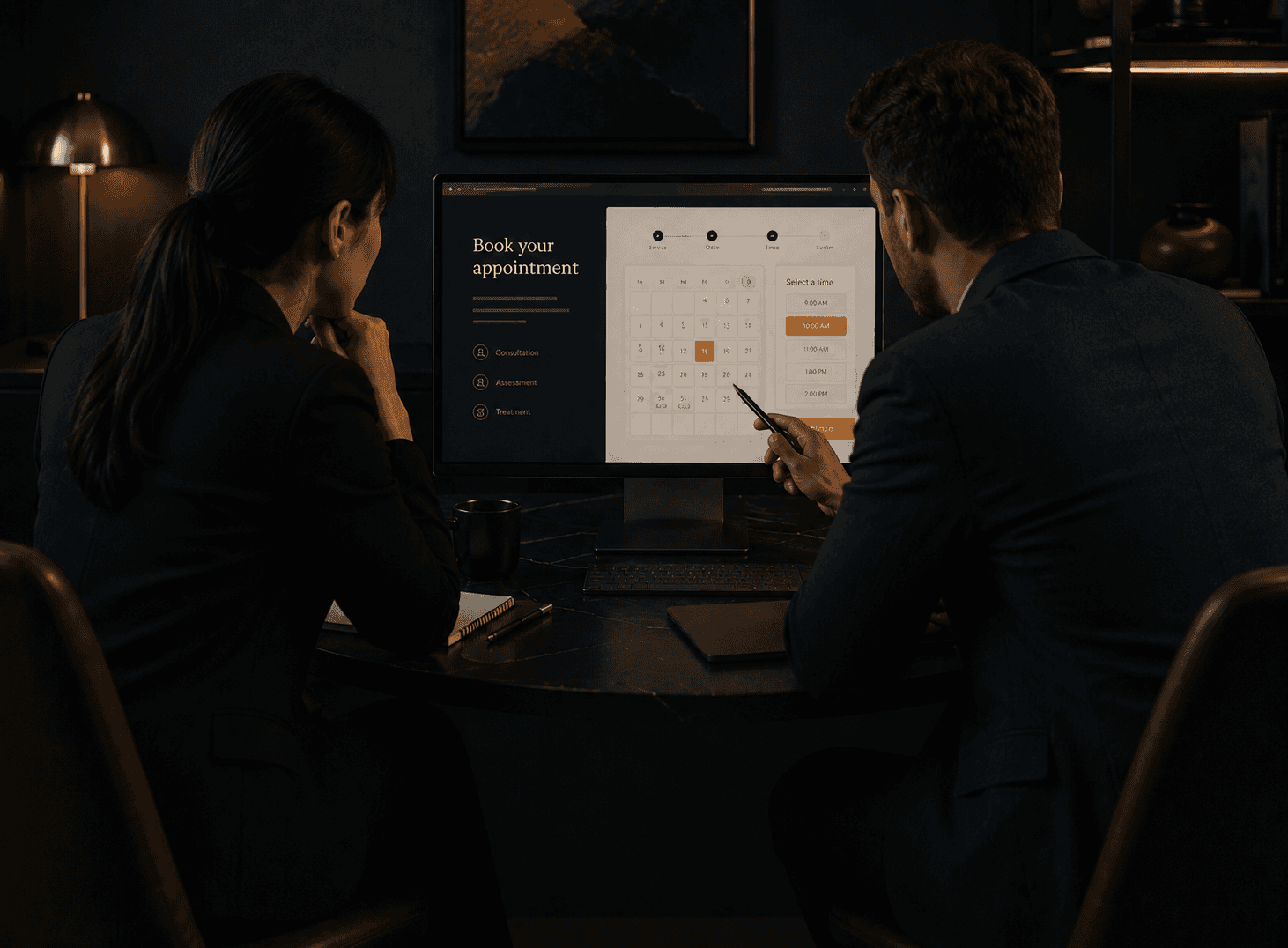
A prospect googles you at 9:47pm. They land on your site, convinced enough to want a time. They look for a button. They find a contact form. They write a short message, hit send, and wait. By the time you reply the next morning, they have already booked with the next provider on the list. That is not a branding problem or a traffic problem. That is a booking problem, and it is happening every week. A booking website that is built as real infrastructure, rather than a calendar link pasted into a brochure, closes that gap. It turns late-night intent into confirmed appointments while you are asleep, and it does it without cheapening the brand.
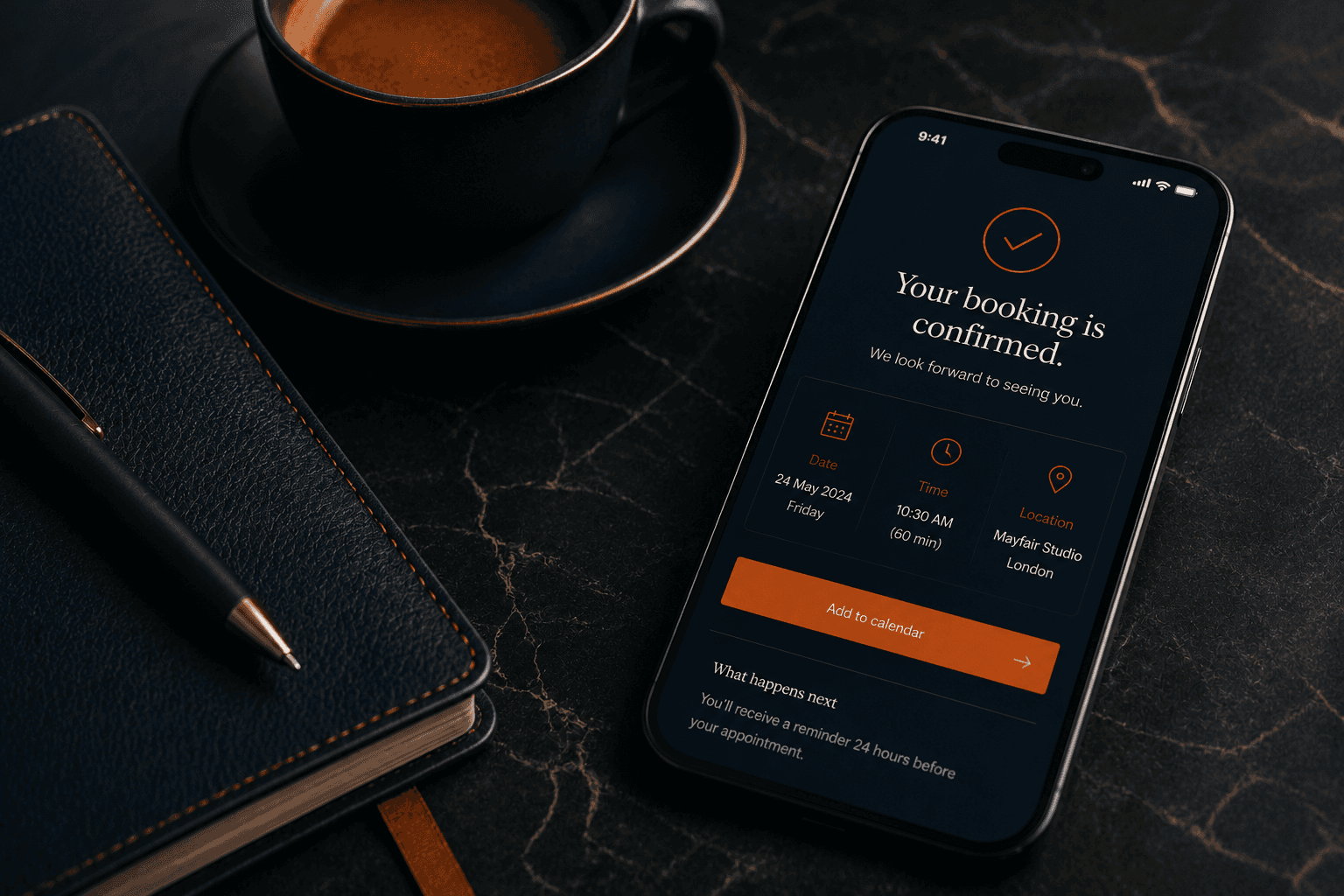
A booking link is not a booking website.
The mistake most service businesses make is treating booking as an add-on. They pick a scheduling tool, paste a link behind a button, and call the site done. The link works, technically. But the brand gets cheapened on the way to the calendar, the confirmation feels like it came from a different company, and the follow-up either does not exist or lives in a spreadsheet. A booking website treats the entire arc from first click to confirmed show as one designed experience. The booking engine is chosen deliberately. The pre-booking education handles the questions that usually cause hesitation. The confirmation, reminders, and pre-appointment prep are part of the build, not a second project. Done that way, the booking system becomes a quiet revenue engine instead of a standalone widget.
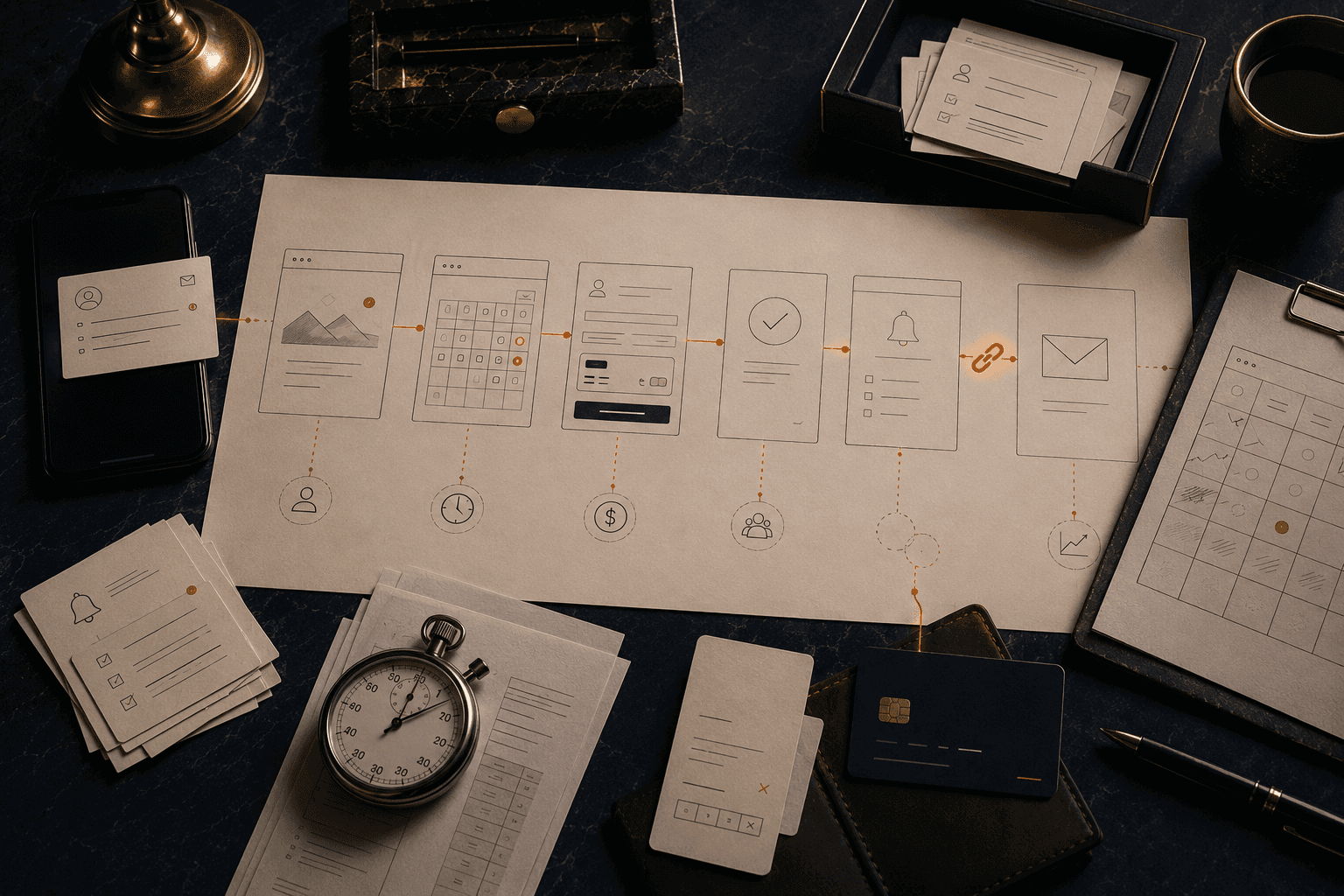
The silent tax most service businesses pay without knowing it.
The cost of a weak booking website almost never shows up as a lost sale you remember. It shows up as hours reclaimed from your week that you did not realise were leaking, as no-shows that nobody budgeted for, as reschedules that quietly delay cash, and as a steady trickle of high-intent prospects who bounced because the flow was one step too long.
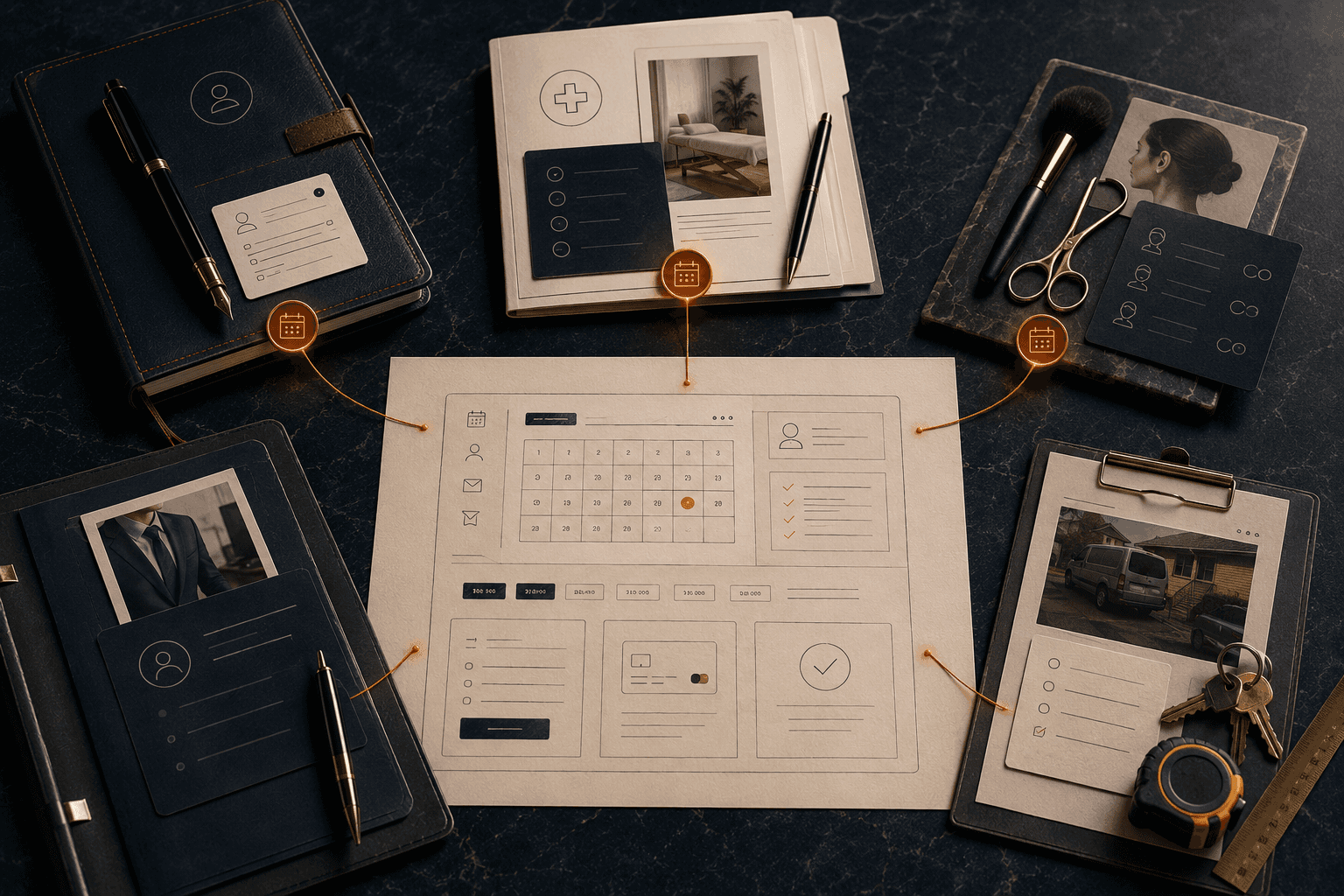
Service businesses where the calendar is the business.
Booking websites are not for everyone. They are for businesses where time on the calendar is the product, where no-shows hurt, and where client experience is part of the price. A few profiles where this work consistently pays back.
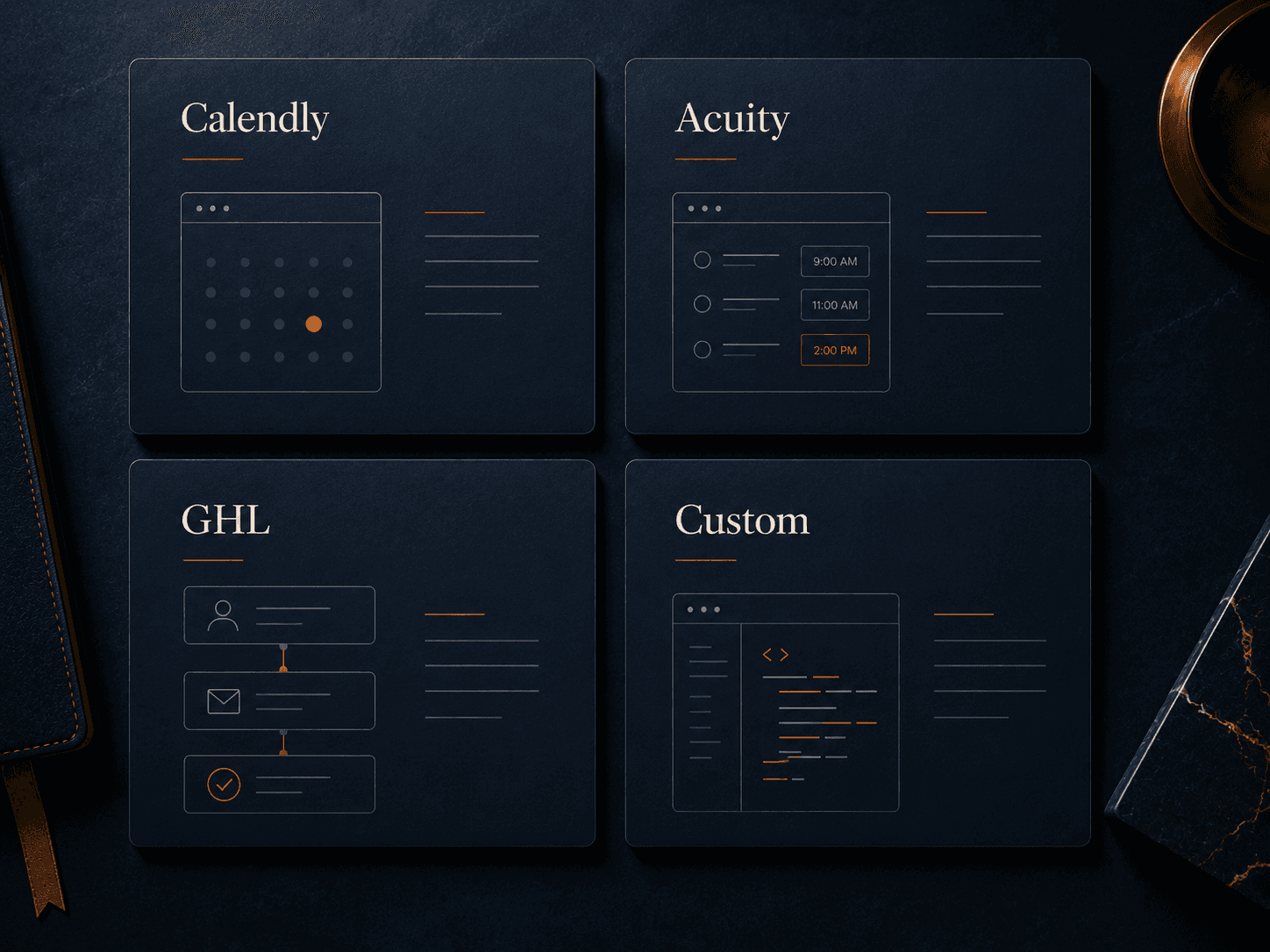
The booking engine is a scoping decision, not a preference.
Most agencies pick a booking platform because they know it. We pick one because it fits the business. A bad platform choice quietly limits what the site can do for the next three years. The four options below cover roughly ninety percent of engagements. The final recommendation comes out of the diagnostic.
Calendly
Best for: Solo consultants, advisory, single-provider service businesses where speed to launch matters
Strengths: Fast to implement, clean UX, strong individual-scheduling logic, good integration library
Tradeoffs: Limited brand control, no deep commerce features, thin group or multi-provider support
Acuity Scheduling
Best for: Multi-provider service businesses, wellness studios, classes, package-driven businesses
Strengths: Payment processing, packages, intake forms, group bookings, strong branding controls
Tradeoffs: Steeper configuration, higher cost, less elegant than Calendly for simple scheduling
GHL Booking
Best for: Service businesses that want booking, CRM, and lifecycle automation in a single platform
Strengths: Native CRM, SMS reminders, automation sequences, payments, pipeline and calendar in one
Tradeoffs: Requires full GHL platform, heavier setup, not the right fit if you already run another CRM
Custom integration
Best for: Multi-location businesses, clinics with intake complexity, premium service brands with real scale
Strengths: Fully branded, multi-provider logic, portal-grade, deep integration with operations or EHR
Tradeoffs: Higher investment, longer build, requires clear operational requirements up front
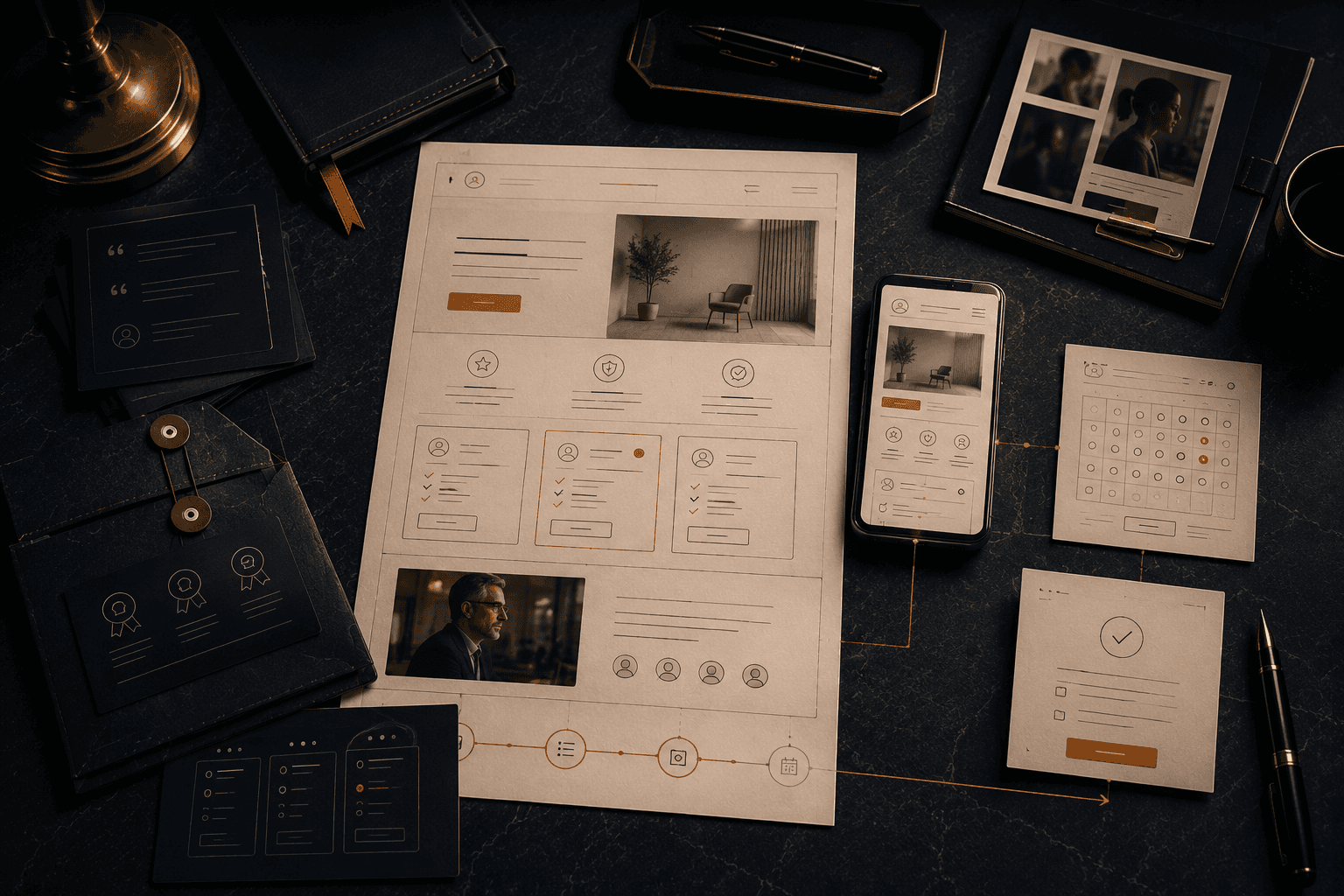
The booking site earns the calendar click before it is asked for.
The calendar click is the hardest click on a service site. The design has to earn it before the booking engine is even visible. Everything above the calendar should be doing two things: answering the three questions the prospect is asking silently, and building enough trust that picking a time feels like the obvious next step.
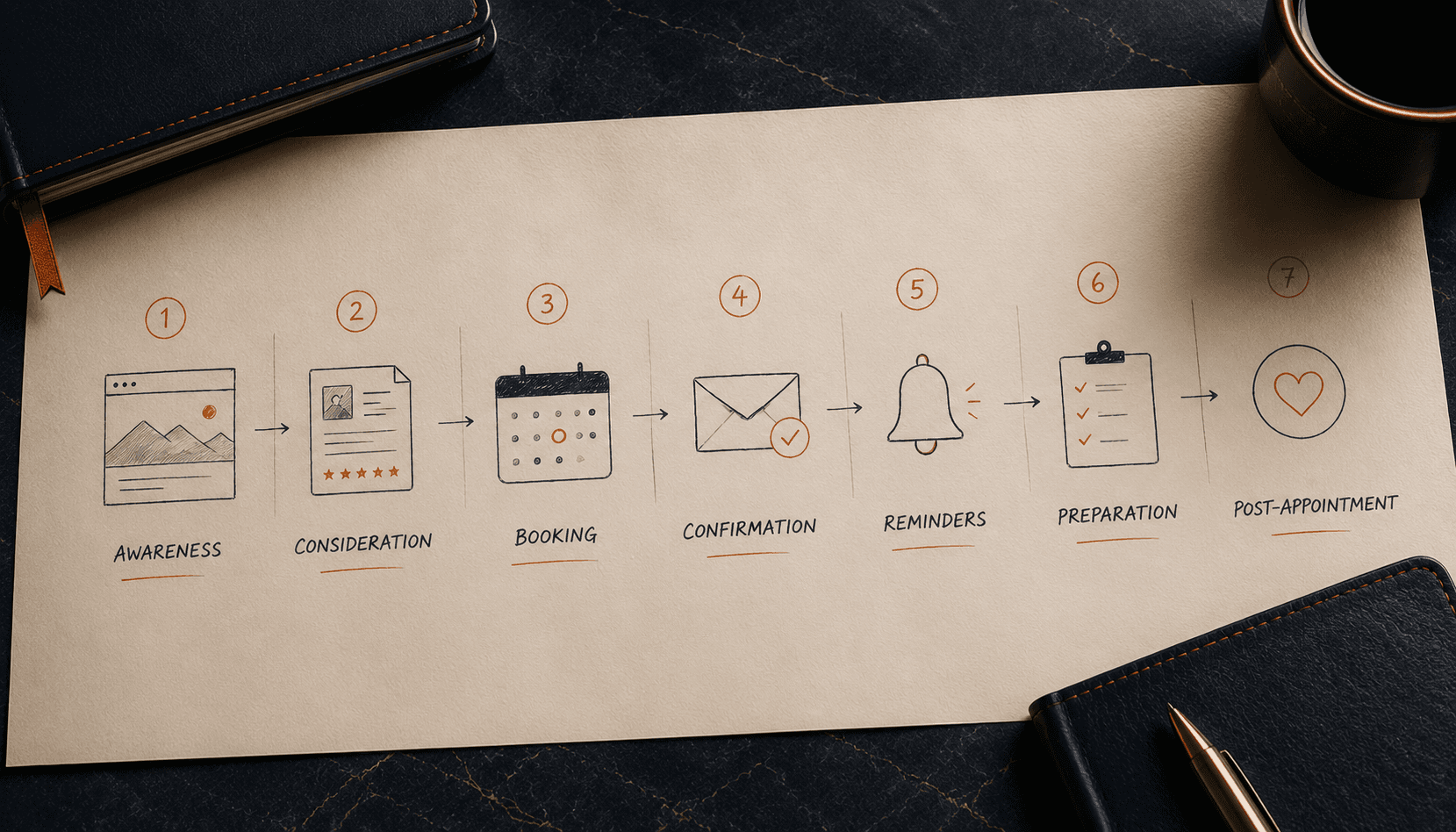
The entire arc from first click to confirmed show is one build.
A booking website is not the calendar. It is the end-to-end arc from first visit to showing up on time. We design every stage of that arc explicitly, with conversion, reassurance, and no-show reduction built into each one.
1. Awareness
Prospect lands on the site from search, ad, referral, or saved link. The hero carries the promise. The first fold answers who it is for and why now.
2. Consideration
Service pages explain the session, the experience, and the outcome. Testimonials and credentials sit where the prospect actually scans. Pricing either shows or qualifies.
3. Booking
The calendar is reached in at most two clicks. The booking flow collects only what is needed now. Payment is collected where that reduces no-shows.
4. Confirmation
Branded confirmation email sends within seconds. Calendar invite, directions, and pre-appointment expectations are included. No chase email is required.
5. Reminders
Email and optionally SMS reminders send at the right intervals. Most businesses see thirty to fifty percent fewer no-shows with this alone.
6. Preparation
Where useful, a short intake form or prep note goes out before the appointment. Clients arrive prepared, which compresses the session and improves the outcome.
7. Post-appointment
Follow-up sequence handles thank-you, feedback, next booking, referral, and package upsell. The second visit is rarely left to chance.
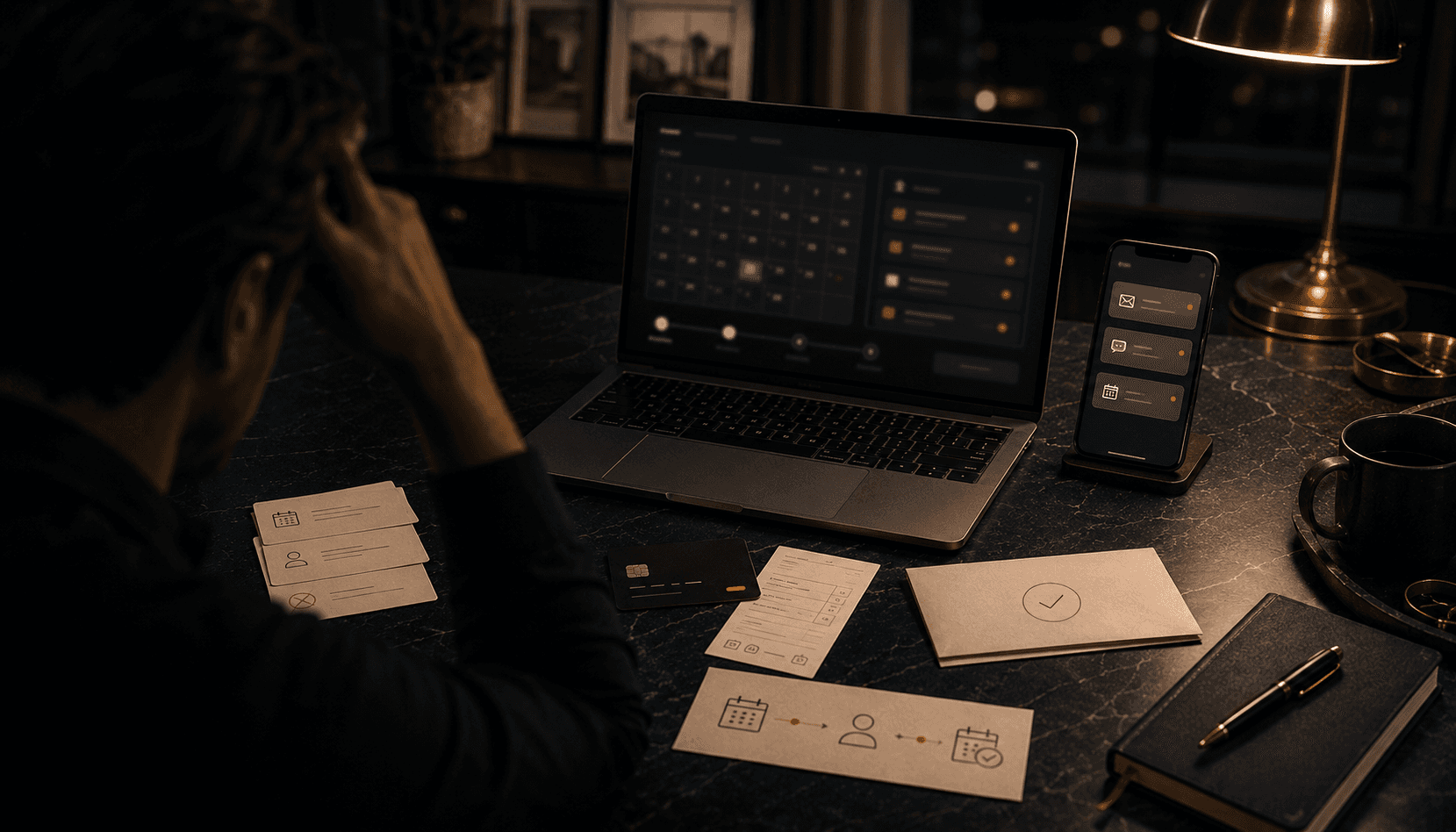
No-shows are a design problem, not a client problem.
The first session is not the win. The second is.
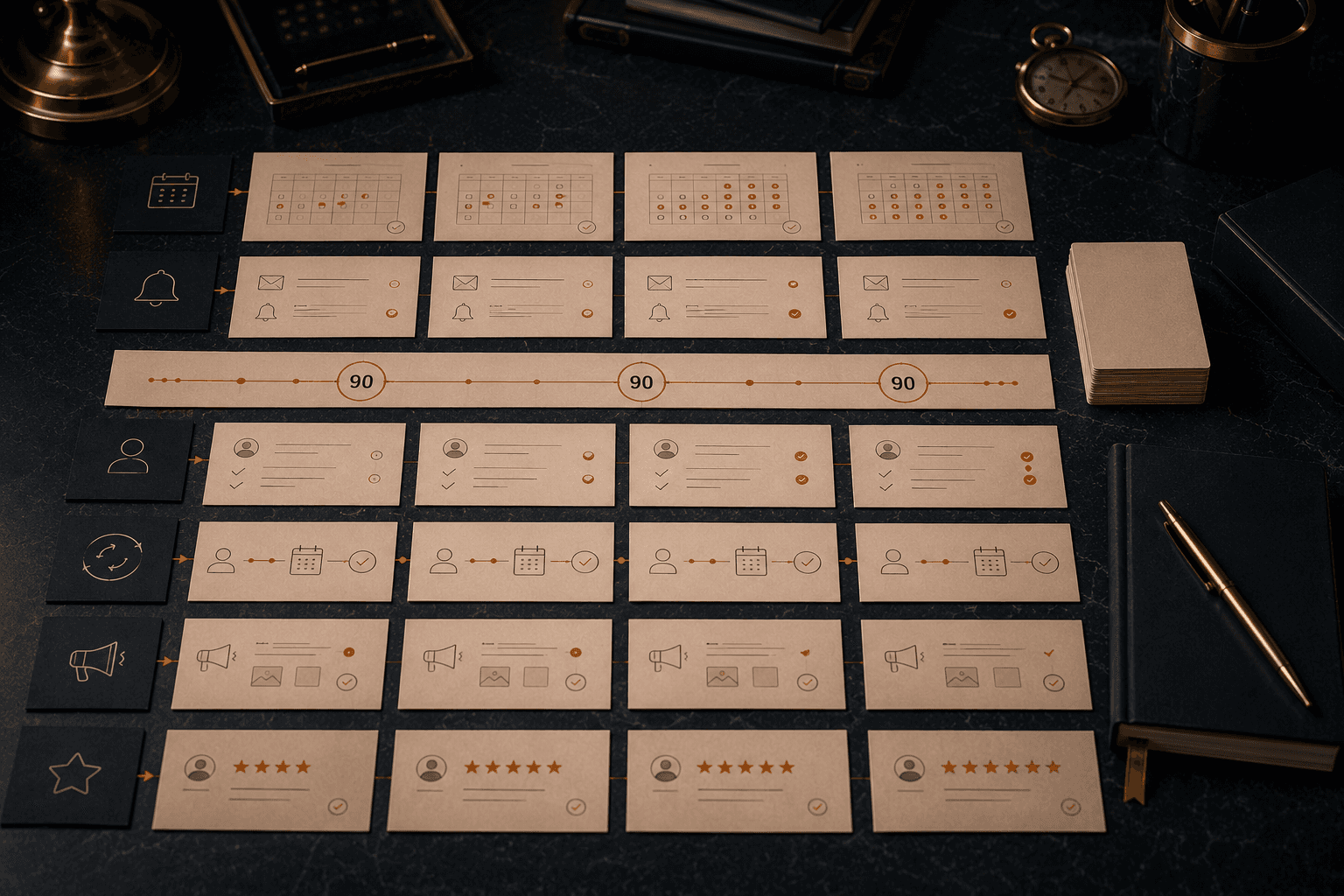
What usually moves in the first ninety days.
When a booking website replaces a contact form plus a calendar link, the changes are fast and observable. These are the metrics we watch together in the first quarter.
Is this the right engagement?
Work with us if
Your revenue is tied to appointments, sessions, or site visits, and your current booking flow is a contact form or a pasted calendar link.
You or your team are spending meaningful hours per week on scheduling admin you know should be automated.
You are running paid ads, referrals, or SEO, and you suspect the landing surface is leaking confirmed bookings.
You want the brand to be held cleanly from the first click to the confirmation email, not dropped at the calendar.
You are ready to rewrite the parts of the site that are not working, not just skin them.
Do not work with us if
You are looking for a freelancer to embed a booking widget into an existing template build.
You are not willing to look at payment-at-booking or deposit logic even where it clearly reduces no-shows.
You do not want to be involved in the flow design or the lifecycle sequences.
You are still figuring out what you sell and how you price it. Booking sites are best built once the offer is stable.
You want the cheapest possible build, and cost is the only lens.
Questions serious buyers ask, answered honestly.
We already use Calendly. Do we have to switch?
Not if it is the right fit. For solo providers with simple scheduling, Calendly is often the right call. We only recommend switching when the platform is limiting the business. Sometimes the right move is to keep Calendly and rebuild everything around it.
Can payment be taken at booking?
Yes, on most platforms. Full payment, deposit, or package purchase. We pick the model that matches your service, your cancellation economics, and your brand. Payment at booking is one of the largest levers on no-show reduction, so we do not skip this conversation.
How do we handle cancellations, rescheduling, and late arrivals?
The booking system handles cancellation and rescheduling automatically, with a policy you set. We recommend a two-click reschedule path because it recovers more revenue than a fuzzy "please contact us" flow. Late arrivals and policy enforcement are operations questions we help you think through, not things we leave to you alone.
Can clients see availability across multiple providers?
Yes. Multi-provider scheduling is supported on Acuity, GHL, and in custom builds. Clients can pick a provider or pick the first available, depending on how your business prefers to route.
Yes. Bookings route into your CRM of choice (HubSpot, Pipedrive, Salesforce, GHL, others) and into your email platform (Mailchimp, Klaviyo, ConvertKit, others). Lifecycle sequences fire from the right systems. No manual data entry.
We do, as part of the rebuild. Copy carries more of the conversion job than design, and a new site with old copy is a visual upgrade without a commercial one. We interview the founder and the sales team, audit the current site and the competition, and write every page from the new positioning down. Your team reviews, edits, and approves. You never get handed a blank CMS and asked to fill it yourself.
What about intake forms, health questionnaires, or compliance?
We handle intake and pre-appointment forms as part of the build. For regulated businesses, we work with HIPAA-aligned or PHIPA-aligned stacks where relevant and involve your compliance counsel where needed
How do reminders actually work?
Email reminders are standard. SMS reminders are available on most platforms. We recommend a layered approach (twenty-four hours email, two hours SMS) because it outperforms single-channel reminders significantly.
What does a realistic budget range look like?
Booking websites typically sit inside our W2 tier, with W3 for multi-provider, multi-location, or integration-heavy builds. We price after the diagnostic once we know which platform is the right fit, how many services or providers are involved, and what lifecycle work sits behind the booking.
How long does a booking-website build take?
Most builds run six to ten weeks end to end. Platform choice, intake complexity, and lifecycle scope drive the variance more than page count. We scope honestly after the diagnosis.
Can you work with our existing developer or internal team?
A thirty-minute booking-site diagnostic. Bring the current site, your current scheduling tool, and one specific problem (no-shows, admin time, brand drop-off at the calendar). We come back with a diagnosis, a recommended platform, and a real scope. If the right move is to keep what you have, we will say so.
Our Services


Quick Links


" height="149.2535067768008px" id="IOCTf08f5" width="1199.9520008715217px"/></svg>)